
Free Passport Photo Maker Online — 35x45mm & 2×2 Inch
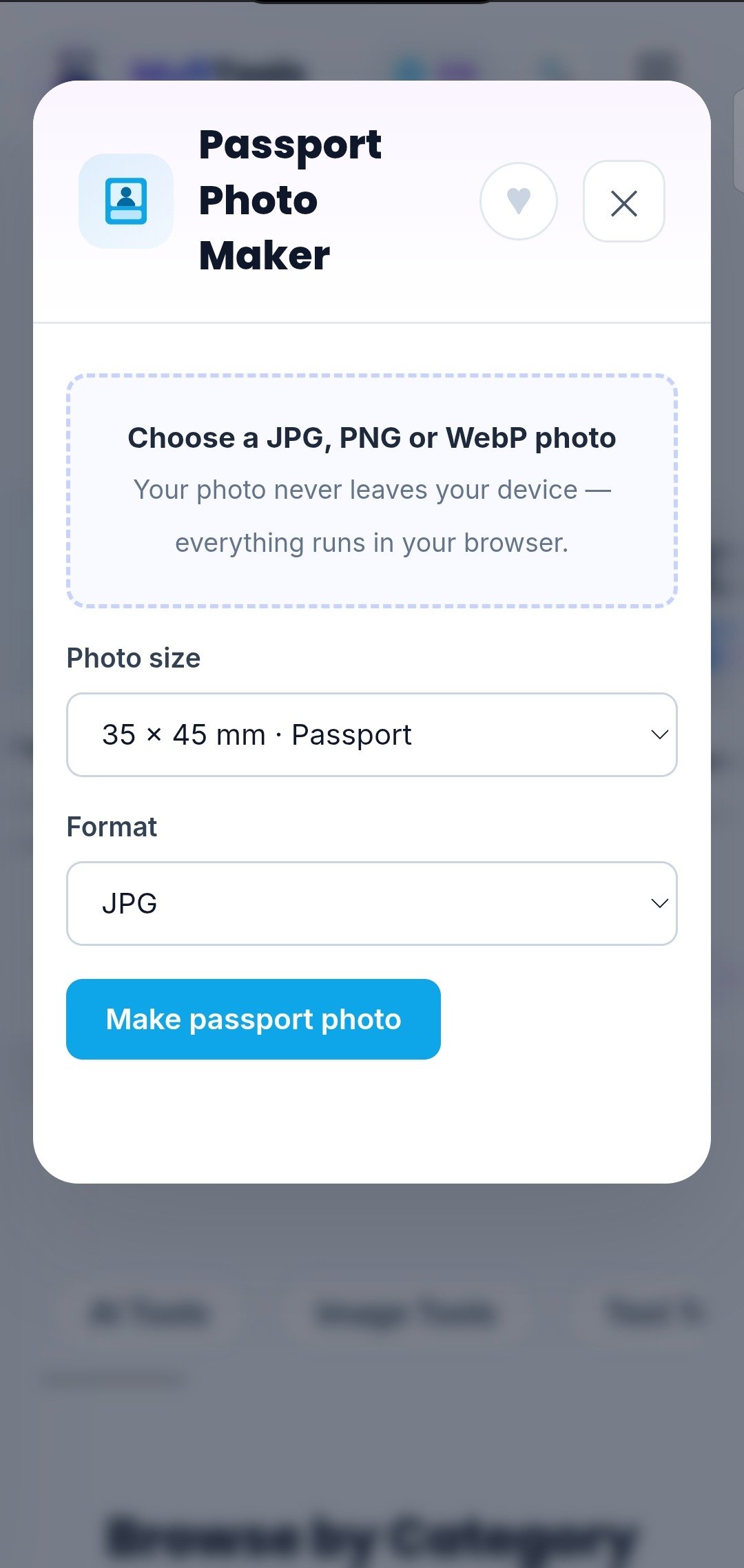
A free passport photo maker online can turn any clear photo into an official-size ID photo in under a minute — no photo studio, no special camera, no money spent. The MuftTools Passport Photo Maker does exactly that: pick your official size, frame your face, and download a print-ready file at true 300 DPI, all inside your browser.
What a Passport Photo Maker Actually Does
A passport photo maker crops your photo to the exact millimetre dimensions that governments require — 35x45mm for Pakistan, EU and UK passports, 2×2 inch for a US visa — and renders it at 300 DPI, the resolution print shops expect. The result is a file you can print at home or at any photo shop and cut out along the guides.
This used to mean a trip to the studio and a fee for thirty seconds of work. Now the technical part — exact sizing, correct resolution, clean framing — happens free in your browser, and because nothing is uploaded to a server, your ID photo stays completely private.
How to Make a Passport Photo in 4 Steps
- Upload your photo — JPG, PNG, or WebP, straight from your phone or computer.
- Pick your official size — 35x45mm for passports, 2×2 inch for a US visa, plus China visa and ID sizes.
- Frame your face — drag the photo so your face sits inside the guide oval; adjust zoom and straighten if needed.
- Download — get the single print-ready JPG, or the 4×6 print sheet that tiles several copies with cutting guides for one cheap print.
There is no account to create and no watermark stamped on your photo. The result is yours to print and use anywhere.
Who Uses a Passport Photo Maker?
Travellers and job applicants use it the most. Passport renewals, visa applications, CNIC and licence forms all demand exact-size photos — and the studio queue is always long. Take a decent photo against a plain wall at home, and you have an official-size photo in a minute.
Parents use it for children’s school and admission forms. Students and professionals use it for exam forms, ID cards, and CV photos. Anyone who has ever paid a studio for a simple ID photo is the target user.
An Honest Note About Getting Accepted
The tool guarantees the technical part — exact size and 300 DPI resolution. Getting the photo accepted also depends on the raw photo: stand in front of a plain light-coloured wall in soft daylight, look straight at the camera with a neutral expression, and keep the camera at eye level. The most common rejection reasons are shadows on the face and the wrong size — a bright room and the correct preset in the tool solve both.
Privacy: Your Photos Never Leave Your Device
Here is what makes this tool different from most online photo tools: your photo is never uploaded to a server. All cropping and rendering happens on your own device, inside your browser. ID photos are sensitive documents — everything stays private, because nothing ever leaves your hands.
Frequently Asked Questions
Is the passport photo maker really free?
Yes. No sign-up, no watermark, no “free trial” that expires. Genuinely free.
What sizes can I make?
Four official sizes: 35x45mm (Pakistan, EU and UK passports), 2×2 inch / 51x51mm (US visa), 33x48mm (China visa) and 30x40mm (ID cards and licences) — each at true 300 DPI.
Does my photo get uploaded anywhere?
No. All processing happens locally in your browser. Your photos stay on your device.
Can I print several copies cheaply?
Yes — download the 4×6 print sheet. It tiles your photo with cutting guides, so one cheap print gives you multiple copies to cut out.
Make Your First Passport Photo Now — Free
Crop any photo to official passport size and download a print-ready file with the MuftTools Free Passport Photo Maker — no sign-up, no watermark, and your photos never leave your device.
Leave a Reply