
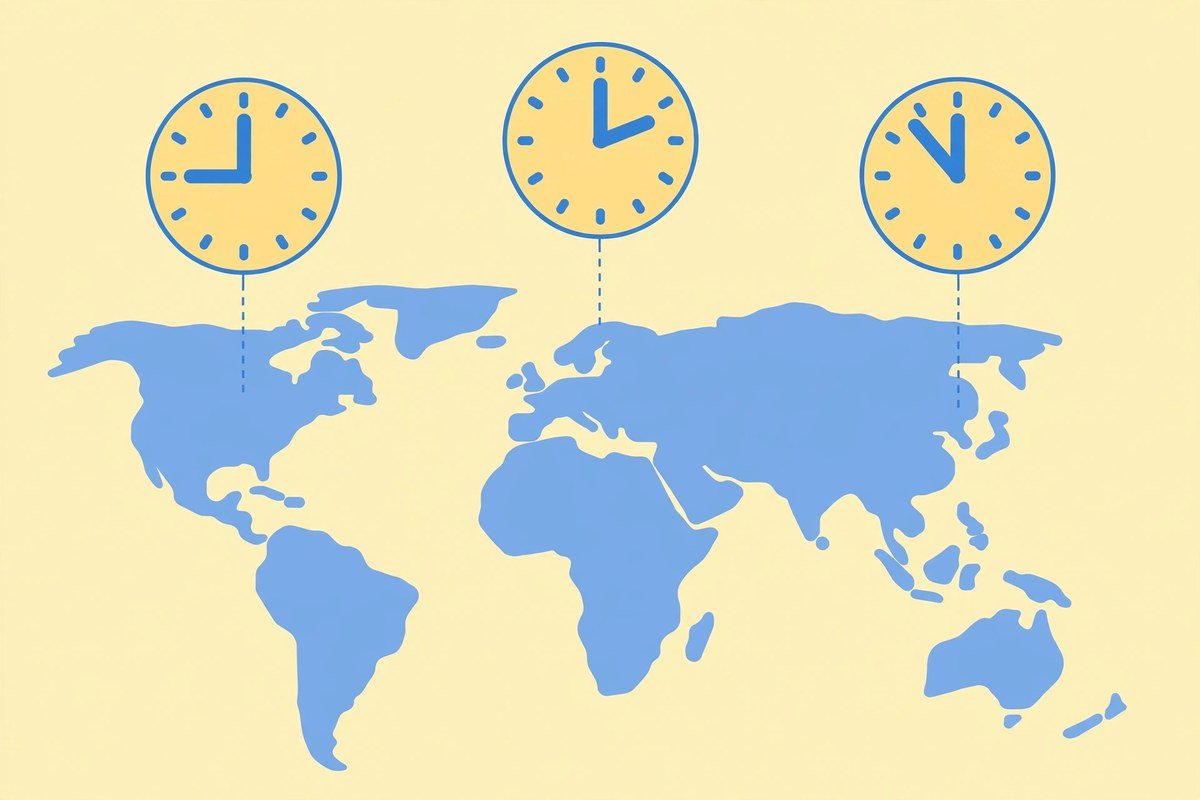
What is a time zone converter?
A time zone converter answers one simple question: when it is a certain time in one city, what time is it in another city? If it is 3pm in London, is it morning or evening in Karachi? If your client says “let’s meet at 10am New York time”, what time is that for you in Lahore?
MuftTools’ free time zone converter answers that question in one click. Pick the city the time belongs to, enter the time, pick your city, and it shows the converted time instantly — across 30+ world zones, with daylight saving handled automatically. It is free, needs no sign-up, and nothing leaves your browser.
Why time zones are confusing
Time zones are not just “add 5 hours”. Two things make them tricky:
1. The gap between two cities changes during the year. London and New York are normally 5 hours apart — but for two to three weeks every spring, when one city has moved its clocks forward and the other has not yet, the gap is only 4 hours. A meeting set by “same time as last week” can suddenly be an hour off.
2. Daylight saving starts and ends on different dates in different countries. The USA, the UK, Europe and Australia all change their clocks in different weeks. Pakistan does not observe daylight saving at all, which is one less thing to track — but anyone working with the US, UK or Europe has to track it for the other side.
That is why guessing is risky and a converter is worth using: it does the date-aware maths for you instead of relying on a fixed “add 5 hours” rule.
How to use the free time zone converter
It takes four steps, and about ten seconds:
Step 1: Open the Time Zone Converter.
Step 2: Pick the city the time belongs to — for example, London.
Step 3: Enter the date and time — for example, 3pm today.
Step 4: Pick your city — for example, Karachi. The converted time appears instantly.
You can reverse the direction just as easily: enter a time in your city and see what it is in the other city. There is nothing to install and no account to create.
30+ cities and zones covered
The converter covers more than 30 major zones, including London, New York, Los Angeles, Toronto, Dubai, Karachi, Delhi, Mumbai, Dhaka, Singapore, Tokyo, Sydney, Paris, Berlin and Moscow. If you work with clients, a remote team, or family in another country, your cities are almost certainly in the list.
Every conversion uses the browser’s own time zone data, so daylight saving rules stay correct without you having to look anything up.
Daylight saving, handled automatically
This is the part most people get wrong by hand. The converter checks the date you entered, not just the city pair. If you convert a time in March, when London and New York are briefly 4 hours apart, it gives you the March answer. If you convert the same pair in June, it gives you the June answer. You do not need to know when any country’s clocks change.
5 everyday uses
1. Work meetings. Your client in London says 11am their time. Convert it before you reply so you never join an hour early or late.
2. Calling family abroad. Before calling relatives in Dubai, Toronto or Sydney, check whether it is a reasonable hour there — not 3am.
3. Freelance deadlines. A client says “send it by 5pm New York time”. Convert it to your local time and set your own reminder an hour earlier.
4. Flights and travel. Your flight lands at 6pm Tokyo time. What time is that back home, and who should you ask to pick you up?
5. Online classes and webinars. A course says it starts at 7pm UK time. Convert it once, write it down in your local time, and never miss the start.
Time zone converter vs world clock
A world clock tells you what time it is right now in another city. A converter answers a different question: what time will it be there when it is a specific time here? For planning anything in the future — a meeting, a call, a deadline — the converter is the right tool. If you also need to count down to that moment, pair it with the Countdown Calculator, or work out the gap between two dates with the Days Between Dates Calculator.
Frequently asked questions
Is the time zone converter really free?
Yes. It is free to use, with no sign-up, no watermark and no limits. Har tool muft, har waqt muft.
Do I need to create an account?
No. Open the page and convert. Nothing you enter is sent anywhere — the conversion happens in your browser.
Does it handle daylight saving time?
Yes. It uses the date you enter, so the answer is correct for that date even when the gap between two cities changes during the year.
How many time zones does it cover?
More than 30 major world zones, including London, New York, Dubai, Karachi, Delhi, Tokyo and Sydney.
Does it work on mobile?
Yes. It works in any modern browser on phone, tablet or computer, with nothing to install.
Can I convert a time in the past or future?
Yes. Enter any date and time — the converter applies the daylight saving rules for that date.
Try it now
Open the free Time Zone Converter, pick your two cities, and get the answer in seconds. And if you work across time zones every day, bookmark it — it is one of the 75 free tools on MuftTools, all free, all without sign-up.