
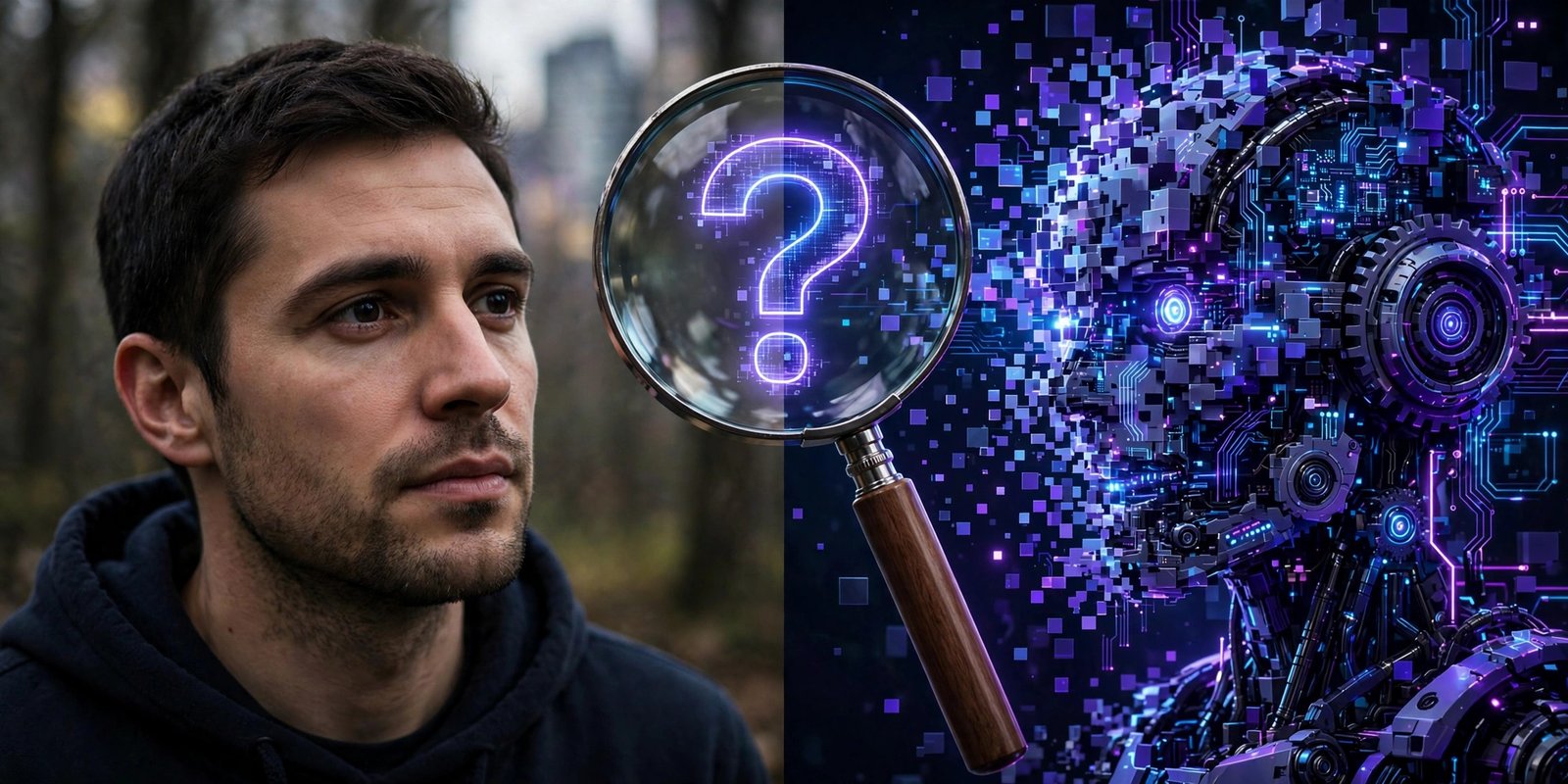
You scroll past a stunning photo online. The lighting is perfect, the details unreal. A question pops into your head: was this made by AI?
You’re not alone. AI-generated images and videos are everywhere now — and they’re getting harder to spot with the naked eye.
The honest truth first
Here’s something most “AI detector” apps won’t tell you: no detector is 100% reliable. Even OpenAI shut down its own AI-text classifier because it wasn’t accurate enough. Any app that claims absolute certainty is misleading you.
That’s exactly why our free AI Content Checker works differently — it never pretends to know what it can’t prove.
What our free checker actually does
Instead of guessing, it looks for real evidence:
- Metadata inspection — Every photo carries hidden data. AI tools like Midjourney, DALL-E, and Stable Diffusion often leave fingerprints in this metadata: generator names, software tags, creation details. Our checker reads all of it.
- ELA forensic scan — Error Level Analysis highlights parts of a photo that were edited or altered, shown as an easy visual heatmap. Tampered areas literally light up.
- Honest verdicts — You get a clear answer: “AI markers found” (with the evidence shown) or “No markers found.” And it’s upfront that no markers doesn’t prove a photo is real — markers can be stripped.
How to use it (30 seconds)
- Open the AI Content Checker on MuftTools.
- Upload your photo (JPG or PNG).
- Get your evidence-based result — free, no sign-up.
What the verdict actually means
A “markers found” result means the scan discovered real fingerprints of AI generation or editing — for example, a generator name in the metadata or suspicious regions in the forensic scan. Treat it as strong evidence, not a courtroom verdict.
A “no markers found” result means the scan found nothing suspicious. But remember the honest caveat: this doesn’t prove the photo is genuine.
Metadata can be stripped and images can be re-saved, which erases the fingerprints. Use the result as one clue among many, not as final proof.
When is this check useful?
Journalists verifying a viral image before sharing it, teachers checking whether a submitted photo is original, moderators reviewing suspicious uploads, or simply curious minds who want to know what’s inside a file — anyone can run this check in seconds, free and completely private.
Your image never leaves your browser during the scan.
The bottom line
You can’t always tell AI from real with your eyes anymore. But you can check the evidence. Our free tool shows you what’s actually inside the file — honestly, with no fake promises.
Try it free on mufttools.com — no sign-up needed.